

NICVIEW Login Guide 2026: Fix Login Errors, Technical Issues & Troubleshooting Portal Problems
The NICVIEW platform is widely used in neonatal intensive care units (NICUs) to allow parents and healthcare professionals to securely view live video feeds of newborns. While the system is designed for reliability and security, users often face login issues, portal errors, and technical glitches that can interrupt access, especially during critical moments.
This guide breaks down everything about NICVIEW login, common errors, technical problems, and practical fixes based on typical IT troubleshooting patterns and commonly reported user experiences across healthcare forums and discussion platforms.
What is the NICVIEW Login Portal?
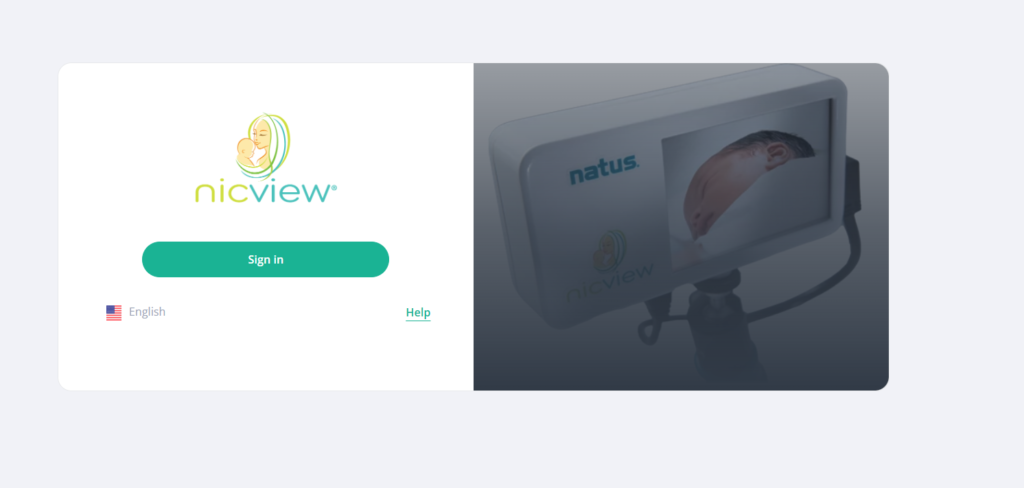
The NICVIEW login portal is a secure authentication system used by hospitals and authorized users to access live NICU camera feeds.
Key features:
- Secure username/password authentication
- Role-based access (parents, nurses, hospital staff)
- Encrypted video streaming
- Session-based login for privacy compliance
Because it handles sensitive medical video data, the system is tightly secured, which also makes troubleshooting more complex when something goes wrong.
How NICVIEW Login Works
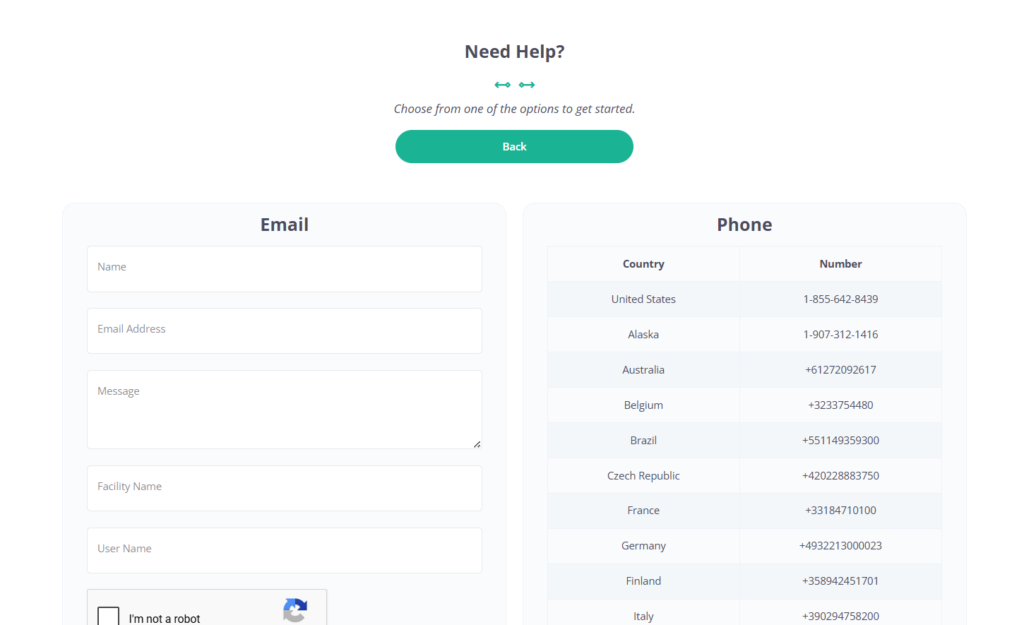
When you log in, the system typically performs:
- Authentication check (credentials validation)
- Secure session token generation
- Server-side permission verification
- Streaming access handshake with the hospital server
- Browser-based video player initialization
If any of these steps fail, users may experience login errors, blank screens, or streaming failures.
Common NICVIEW Login Problems
Below are the most frequently reported issues by users and IT staff:
1. Incorrect Username or Password Error
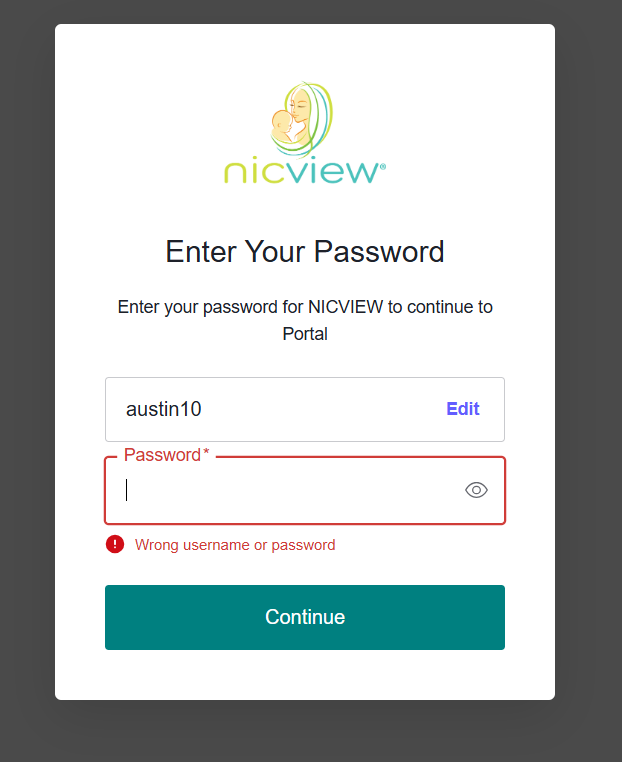
This is the most common issue and is usually caused by:
- Typing errors (case-sensitive passwords)
- Expired credentials
- Hospital-issued temporary login not activated
Fix:
- Reset password via the hospital IT department
- Ensure CAPS LOCK is off
- Recheck login credentials exactly as provided
2. “Unable to Connect to Server” Error
This usually indicates network or server-side issues.
Possible causes:
- Hospital NICVIEW server downtime
- Firewall blocking connection
- Weak or unstable internet connection
Fix:
- Refresh the page after 2–3 minutes
- Switch network (Wi-Fi to mobile hotspot)
- Contact hospital IT support if persistent
3. Blank Screen After Login
A common technical glitch reported by users.
Technical reasons:
- Browser cache conflicts
- Disabled JavaScript
- Outdated browser version
Fix:
- Clear browser cache and cookies
- Enable JavaScript
- Use updated browsers like Chrome or Edge
4. Video Not Loading / Frozen Stream
Even after a successful login, the video may fail to load.
Possible causes:
- Low bandwidth
- Camera feed temporarily offline
- Session timeout
Fix:
- Refresh session
- Close background apps consuming bandwidth
- Re-login after 1–2 minutes
5. Session Expired Quickly
NICVIEW uses strict session timeouts for security.
Fix:
- Avoid leaving the tab idle
- Re-login when prompted
- Ensure a stable internet connection
Technical Issues Behind NICVIEW Portal
Understanding backend causes helps in faster troubleshooting:
1. Server Load Issues
During peak visiting hours, NICU systems may experience high traffic, causing delays or login failures.
2. SSL Certificate or Security Layer Conflicts
Strict encryption systems may block older browsers or unsupported devices.
3. Firewall Restrictions in Hospitals
Many hospitals restrict external access ports, which can interfere with streaming.
4. Browser Compatibility Problems
NICVIEW works best with:
- Google Chrome (recommended)
- Microsoft Edge. Older browsers like Internet Explorer often fail.
Advanced Troubleshooting Steps
If basic fixes don’t work, try the following:
- Restart the router or switch the network
- Disable browser extensions (ad blockers, VPNs)
- Use incognito/private browsing mode
- Check system date and time (incorrect time breaks SSL authentication)
- Try another device (mobile/desktop)
User Experience & Community Feedback
Across tech and healthcare discussions, users commonly report:
- Login issues during peak hospital hours
- Confusion about password resets provided by hospitals
- Temporary downtime causing emotional stress for families
- Better performance on Chrome compared to Safari or older browsers
A recurring sentiment is that while NICVIEW is highly valuable emotionally and clinically, its usability depends heavily on hospital IT configuration and network stability rather than the platform itself.
Best Practices for Smooth NICVIEW Access
- Always use updated browsers
- Save login credentials securely (if allowed)
- Avoid multiple simultaneous logins
- Ensure a stable internet connection before accessing the stream
- Contact hospital support for persistent access issues
FAQs
Why can’t I log into NICVIEW?
Most likely due to incorrect credentials, expired access, or server/network issues.
Does NICVIEW work on mobile?
Yes, but performance depends on browser compatibility and hospital configuration.
Why does NICVIEW keep logging me out?
This is due to security-based session timeouts.
Who should I contact for login issues?
Your hospital NICU IT support team is the primary contact.
The NICVIEW login system is a secure and essential tool for NICU communication, but like many healthcare platforms, it can face occasional technical challenges. Most issues are not system failures but rather browser, network, or authentication-related problems.
By following the troubleshooting steps in this guide, users can resolve most login and streaming issues quickly and restore access without unnecessary delays.

Similar Posts
The Ultimate Guide to Homeschooling Tips for Working Parents
Excel HSC Legal Studies 2019 Campion
What Are the Benefits and Legal Risks of Anti-Detect Browsers?