

AI Face Animation: The Future of Digital Expression, Tools, and Online Platforms Explained
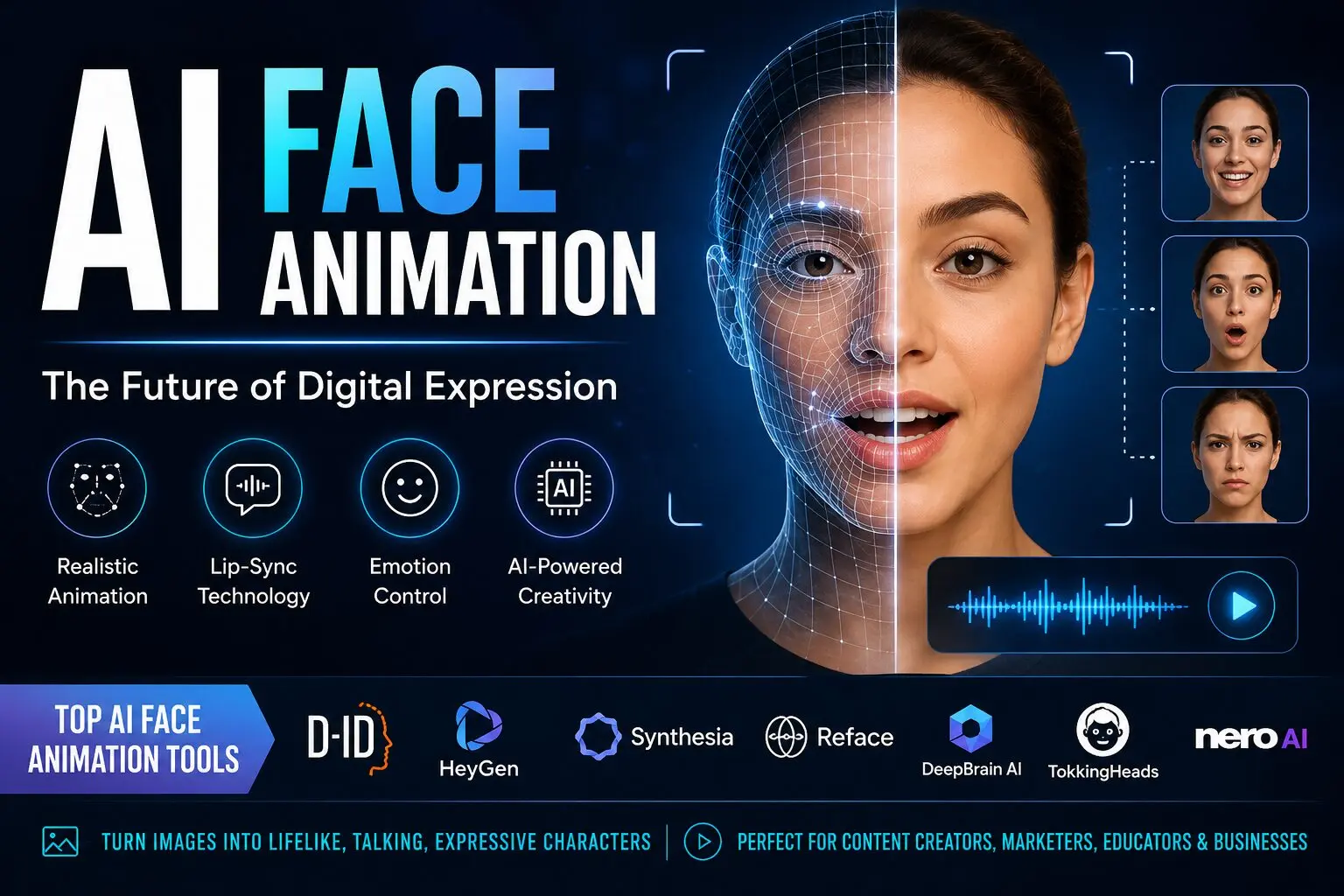
AI face animation is a cutting-edge technology that uses artificial intelligence to bring still images, illustrations, or digital avatars to life by animating facial expressions, lip movements, and emotions. Instead of manually animating frames like traditional animation, AI models analyze facial landmarks and motion patterns to generate realistic movement automatically.
From social media content creators to film studios and game developers, AI face animation is transforming how humans interact with digital characters.
How AI Face Animation Works (Simple Breakdown)
AI face animation systems generally rely on deep learning models, especially:
- Facial landmark detection
- Motion capture mapping
- Neural rendering
- Speech-to-lip sync models
Here’s how the process works:
- Input Image or Video Upload: You upload a static face image or avatar.
- AI Analyzes Facial Structure: The system detects eyes, lips, jawline, and emotional markers.
- Driving Motion Source: This can be:
- A video of a real person
- Audio voice input
- Predefined animation templates
- Animation Generation: AI maps expressions like smiling, blinking, talking, and head movement onto the target face.
- Output Rendering: A realistic animated face video is generated.
Popular AI Face Animation Platforms (Online Tools List)
Below are some of the most widely used AI face animation platforms available online:
1. D-ID
D-ID is one of the most popular AI face animation tools used for creating talking avatars from images. It allows users to generate professional-looking AI presenters for marketing, education, and social media.
Key Features:
- Text-to-speech avatars
- Realistic face motion
- API integration for developers
- Business video generation
2. HeyGen

HeyGen is widely used for creating AI spokesperson videos. You can upload a photo or choose an avatar and turn scripts into realistic talking videos.
Key Features:
- AI lip-sync accuracy
- Custom avatars
- Multi-language support
- Marketing video templates
3. Synthesia
Synthesia is a leading enterprise-level AI video creation platform that allows users to generate human-like presenters without cameras or actors.
Key Features:
- Corporate training videos
- AI presenters in 100+ languages
- High-quality avatar realism
- Script-based video creation
4. Reface
Reface focuses on face swapping and short-form entertainment content. It uses AI to map your face onto celebrities, movie scenes, or animations.
Key Features:
- Face swap in videos and GIFs
- Social media-ready content
- Fast mobile processing
- Viral content creation tools
5. Nero AI
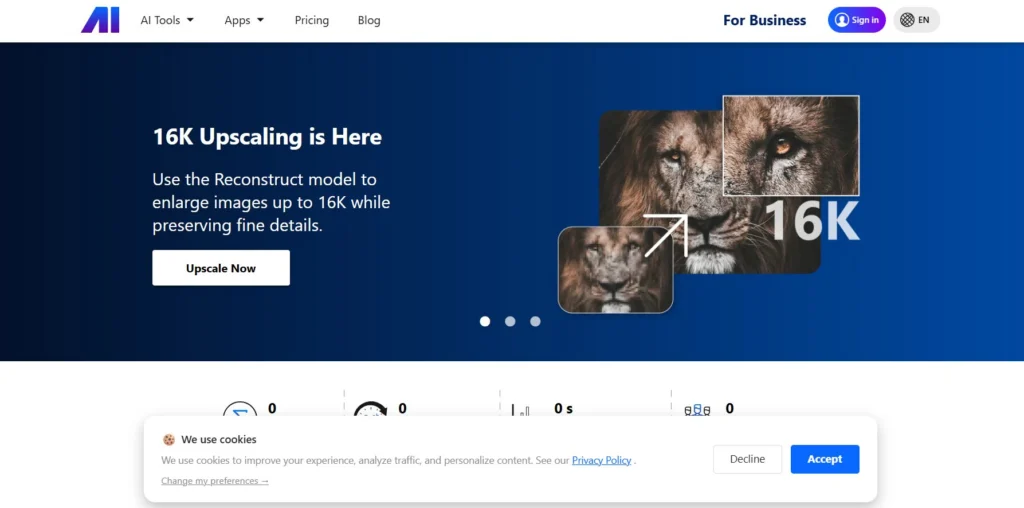
Nero AI offers a growing suite of AI-powered creative tools, including image enhancement and animation features. It is increasingly used for turning static portraits into animated visuals and enhancing facial clarity before animation.
Key Features:
- AI photo enhancement before animation
- Face restoration and sharpening
- Image-to-animation support
- Cloud-based processing tools
6. DeepBrain AI
DeepBrain AI is used for generating realistic AI humans for news broadcasting, customer service, and educational content.
Key Features:
- Realistic AI presenters
- Text-to-video generation
- Business-focused solutions
- Studio-quality avatars
7. TokkingHeads
TokkingHeads is a simple but powerful tool that animates portraits and makes them speak using AI-generated voices.
Key Features:
- Animate old photos
- Funny and creative effects
- Audio-driven facial motion
- Easy mobile usage
Types of AI Face Animation
AI face animation is not just one technology—it includes several categories:
1. Talking Head Animation
Converts a still image into a speaking character using audio input.
2. Emotion Transfer Animation
Transfers facial expressions from one person to another.
3. Lip-Sync Animation
Synchronizes mouth movements with speech audio.
4. Full Head Motion Capture
Includes head tilts, eye movement, and natural gestures.
5. 3D Avatar Animation
Creates fully interactive 3D human-like characters.
AI Face Animation Tools – Price Comparison Table
Pricing is approximate and may vary depending on plans, features, and usage limits.
| Platform | Best For | Starting Price | Key Strength | Difficulty Level |
|---|---|---|---|---|
| D-ID | Talking avatars & marketing videos | ~$5–$10/month | Realistic AI presenters | Easy |
| HeyGen | Business & social media content | ~$24/month | High-quality AI lip-sync | Easy |
| Synthesia | Corporate training & professional videos | ~$30–$40/month | Studio-level AI avatars | Medium |
| Reface | Fun face swap & social content | Free / ~$3.99–$12/month | Viral entertainment effects | Very Easy |
| DeepBrain AI | Enterprise AI humans & news anchors | ~$30+/month | Hyper-realistic avatars | Medium |
| TokkingHeads | Animated photos & quick content | Free / ~$10/month | Simple face animation | Very Easy |
| Nero AI | Image enhancement + AI animation prep | Freemium / ~$10–$20/month | Photo enhancement before animation | Easy |
Best Use Cases of AI Face Animation
1. Social Media Content Creation
Creators use AI avatars to make viral videos without filming themselves.
2. Digital Marketing
Brands create AI spokespersons for product promotions.
3. Education & E-Learning
Teachers use animated avatars for interactive lessons.
4. Film & Entertainment
Used for digital characters, voice dubbing, and CGI enhancement.
5. Customer Support
AI avatars act as virtual assistants for websites.
6. Gaming & Metaverse
Used to build interactive NPCs and digital identities
FAQs
Can I use AI face animation for free?
Yes, many platforms offer free plans or trials, such as:
- Reface (free version available)
- TokkingHeads (free basic use)
However, free versions usually have watermarks, limited export quality, or usage restrictions.
Which is the best AI face animation tool?
It depends on your use case:
- For business videos → Synthesia
- For marketing avatars → HeyGen
- For simple talking photos → D-ID
- For fun content → Reface
Is AI face animation safe to use?
Yes, it is safe when used ethically. However, misuse (like creating misleading deepfakes or using someone’s face without permission) can lead to legal and ethical issues. Always use your own images or licensed content.
Can AI face animation work in real time?
Some advanced tools can generate near-real-time animation, especially for live avatars and virtual assistants. However, most platforms still generate short videos using cloud processing rather than instant live streaming.

Similar Posts
Is OmgFlix the Ultimate Streaming Solution? Unbiased Review
Simplifying High-Risk Merchant Accounts for Online Businesses with HighRiskPay
Is RCN Webmail the Ultimate Solution for Your Email Needs, or is it Another Option?