
Practical AI Tools in 2026: Evidence-Based Review of 10 Platforms Used for Real Work
By 2026, practical AI tools will have matured.
The tools that survive are not the most talked about, but the ones that reduce time, cost, or error in repeatable tasks.
According to McKinsey, task-specific AI applications account for the largest share of near-term economic value, with an estimated $2.6–$4.4 trillion annually, driven mainly by automation, content handling, and operational efficiency.
This article evaluates 10 narrowly scoped AI tools that are actively used in real workflows. Each tool is reviewed based on:
- what it does,
- where it delivers measurable value,
- and where its limits are.
The intent is not promotion, but decision support.
Our Selection Criteria
Every tool included meets all of the following conditions:
- Solves one primary problem
- Can be used without advanced technical skills
- Fits into existing workflows
- Has public availability and active usage as of 2026
- Has clear operational boundaries
No speculative products. No concept demos.
Top 10 Practical AI Tools in 2026 Backed by Real Data
Automation & Workflow Tools
(Reducing repetitive human work)
1. Auto.ae

Function:
Automates predefined workflows across connected applications using rule-based and AI-assisted triggers.
Why this category matters:
McKinsey identifies workflow automation as one of the fastest ROI areas for AI, often delivering measurable gains within 6–12 months.
Typical use cases:
- Internal task handoffs
- Notifications and alerts
- Simple operational automation
Operational limit:
Not designed for regulated environments or complex conditional logic.
2. Zapier
Function:
Connects thousands of applications to automate actions triggered by events.
Why it remains relevant:
Zapier supports 8,000+ applications, addressing what Gartner cites as the biggest automation barrier: integration complexity.
Typical use cases:
- CRM updates
- Form processing
- Cross-platform notifications
Limit:
Costs and complexity increase with scale.
Also Read: Top 10 AI Study Tools for Australian Teachers: Saving Time & Effort
Image & Visual AI Tools
(Fixing production bottlenecks)
3. ImageUpscaling.net
Function:
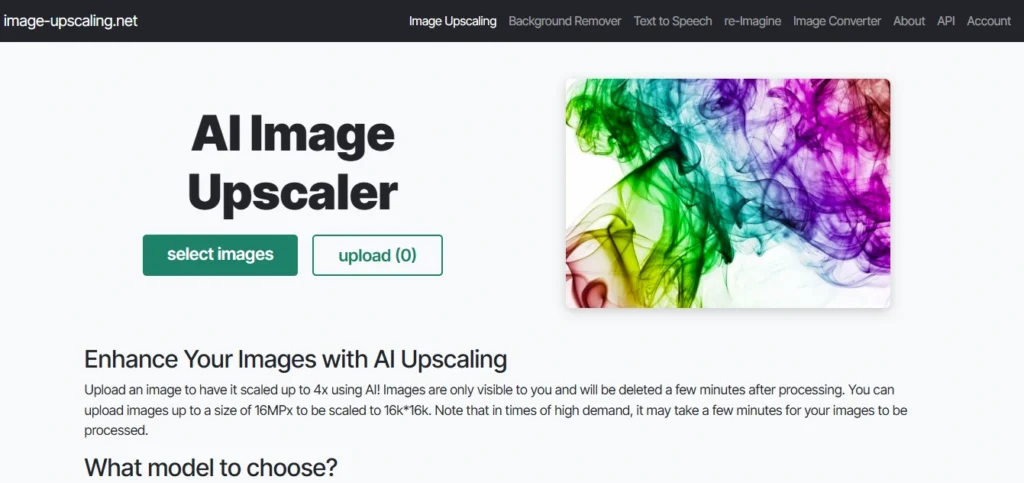
Enhances image resolution using trained super-resolution models.
Market context:
Adobe reports that over 60% of active digital assets were created before modern high-resolution standards, driving demand for AI-based enhancement.
Typical use cases:
- Restoring low-resolution images
- Preparing assets for modern displays
- Improving AI-generated visuals
Limit:
No creative editing or composition changes.
4. Cleanup.pictures
Function:
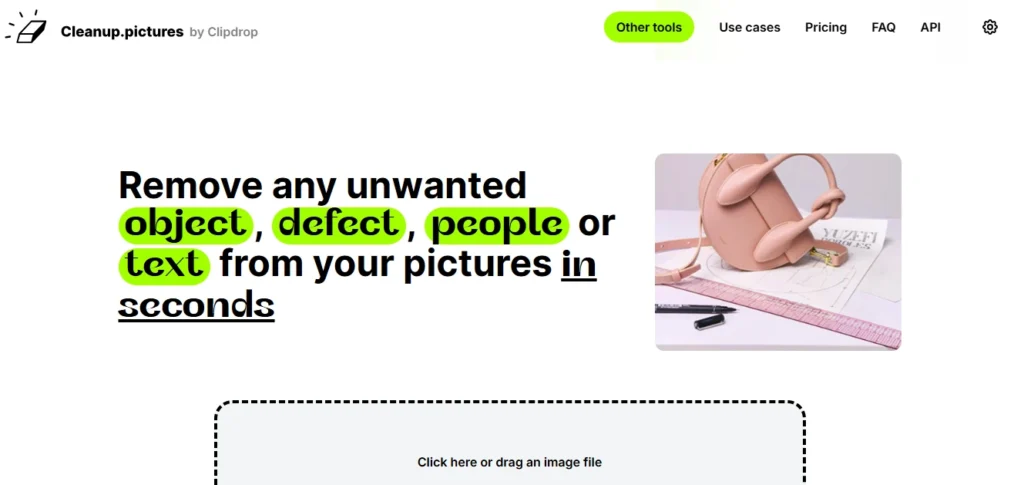
Removes unwanted objects or background elements from images.
Why it exists:
Adobe workflow studies show designers spend up to 30% of editing time on minor corrections. Object-removal tools target that inefficiency directly.
Typical use cases:
- Product image cleanup
- Background simplification
Limit:
Less effective for complex scenes.
Also Read: Top 6 AI Accounting Software in 2025: Honest Comparison of the Best Tools
Explainability & Knowledge Tools
(Improving understanding, not output volume)
5. ImagineExplainers

Function:
Creates visual explanations for abstract or complex concepts.
Why this category matters:
Google’s Helpful Content and EEAT updates increasingly reward clarity and comprehension, especially for informational queries.
Typical use cases:
- Educational content
- Blog explanations
- Knowledge base articles
Limit:
Not designed for animation or entertainment media.
6. Tome

Function:
Generates structured presentations and narratives from written input.
Industry context:
Harvard Business Review identifies poor information structure as a leading cause of decision delay in organizations.
Typical use cases:
- Concept framing
- Internal presentations
Limit:
Limited customization for advanced branding.
Also Read: Top 10 Best AI Tools for Email Marketing (2025): Pricing, Features, Pros & Cons Explained
Media & Content Handling Tools
(Reducing editing time)
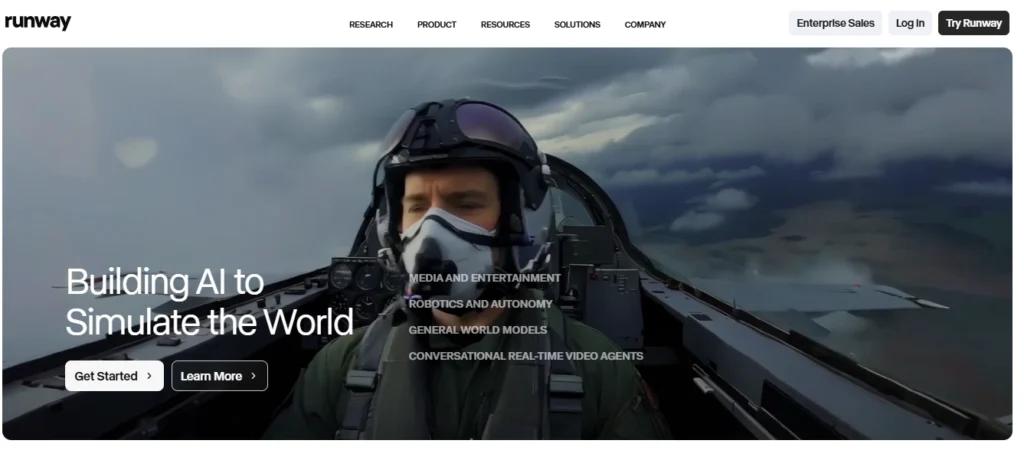
7. Runway
Function:
Supports AI-assisted video generation, editing, and effects.
Market data:
According to PwC, AI-assisted media tools can reduce early-stage video production time by up to 40%.
Typical use cases:
- Short-form video
- Creative prototyping
Limit:
Steeper learning curve.
8. Descript

Function:
Allows audio and video editing through text-based transcripts.
Operational impact:
Text-based editing significantly reduces post-production time for interviews and podcasts.
Typical use cases:
- Podcast editing
- Educational videos
Limit:
Performance depends on project size and hardware.
9. Pictory

Function:
Converts long-form content into short video formats.
Strategic value:
Content repurposing aligns with Google’s preference for original value reused across formats, not duplicated content.
Limit:
Not suitable for original storytelling.
Documentation & Information Structuring
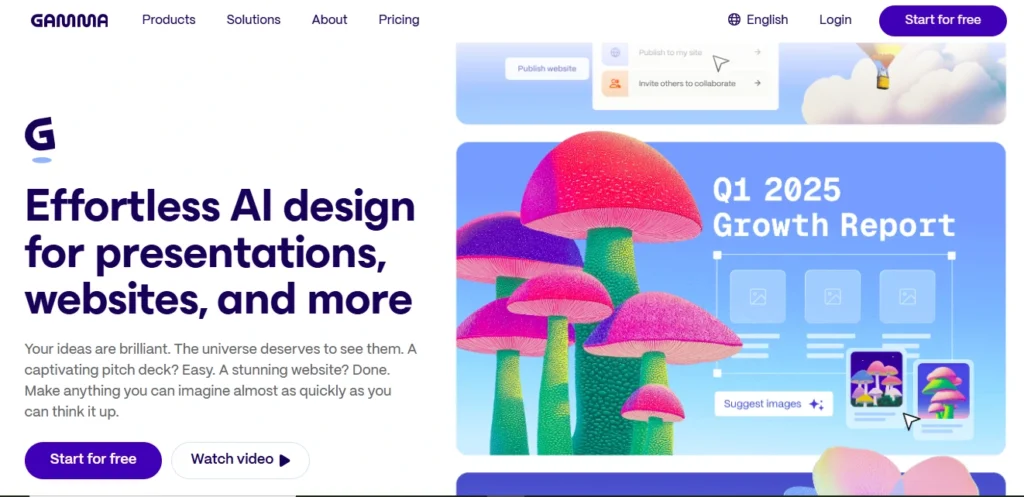
10. Gamma
Function:
Creates structured documents and presentations from text input.
Industry context:
McKinsey identifies poor documentation as a major productivity drain in knowledge-based work.
Typical use cases:
- Reports
- Internal documentation
Limit:
Less design flexibility than manual tools.
Comparative Overview
| Tool | Primary Function | Best Used For |
| Auto.ae | Workflow automation | Operations |
| Zapier | App integration | SaaS workflows |
| ImageUpscaling.net | Image enhancement | Asset reuse |
| Cleanup.pictures | Image correction | Visual cleanup |
| ImagineExplainers | Concept explanation | Education |
| Tome | Content structuring | Presentations |
| Runway | Media processing | Video creation |
| Descript | Media editing | Audio/video |
| Pictory | Content repurposing | Marketing |
| Gamma | Documentation | Teams |
How to Choose the Right Tool
- Use automation tools only for repeatable tasks
- Use image tools when enhancement is faster than redesign
- Use explainer tools when clarity matters more than volume
- Use media tools when editing time is the main bottleneck
Avoid stacking tools unless workflows justify overlap.
Also Read: 30% Rule in AI | Don’t Rely 100% on AI Tools | Human Input Still Matters
Final Assessment
The AI tools that matter in 2026 are not general platforms.
They are focused utilities that:
- Target specific inefficiencies,
- Reduce low-value work,
- And integrate into existing processes.
FAQs
Are practical AI tools safer to adopt than large all-in-one AI platforms?
Yes. Narrow AI tools carry lower operational and data risk because they handle fewer tasks, process less sensitive data, and are easier to audit and replace if needed.
How long does it usually take to see productivity gains from AI tools?
Most task-specific AI tools show measurable time savings within weeks, not months, because they replace existing manual steps rather than redesign workflows.
Do these AI tools require employee training to be effective?
Minimal training is needed. Most are designed for immediate use, with learning focused on workflow alignment, not technical skills.
Can using too many AI tools reduce productivity instead of improving it?
Yes. Tool overload increases cognitive friction. Experts recommend limiting AI tools to clear, repeatable tasks rather than overlapping capabilities.
How should businesses evaluate AI tools before long-term adoption?
They should assess:
Task frequency,
Time saved per task,
Failure impact,
Data handling policies,
Before scaling usage across teams.
Are these tools suitable for regulated or compliance-heavy industries?
Some are, but most are better suited for non-regulated workflows. Compliance environments typically require tools with audit logs and strict access controls.
Will AI productivity tools still matter as general AI models improve?
Yes. As general AI improves, specialised tools remain essential because they embed AI directly into workflows, reducing friction and decision overhead.
How does Google evaluate content about AI tools under EEAT in 2026?
Google prioritises:
Clear scope definition,
Stated limitations,
Evidence-based claims,
And user outcome clarity,
Over promotional language or speculative benefits.
Is free access a reliable indicator of an AI tool’s long-term viability?
No. Long-term viability depends on clear use cases and retention, not pricing models. Many stable tools operate with limited free tiers.
What is the biggest mistake people make when choosing AI tools?
Choosing tools based on popularity instead of specific workflow problems. Experts recommend starting with the task, not the tool.
Similar Posts
Front Company Detection in 2025 | Avoid Fraud and Stay Compliant
How Cloud Infrastructure Works: Beginner to Advanced Explained
Outlook with GoDaddy Review (2025): Is Microsoft 365 Email Hosting Worth It for You?