
Top 6 AI Accounting Software in 2025: Honest Comparison of the Best Tools

Direct answer first
AI accounting software in 2025 helps you automate bookkeeping, reduce manual errors, and gain real-time financial insights without replacing your accountant.
The best tools quietly handle transaction categorization, reconciliation, invoicing, and cash-flow forecasting so you can focus on decisions instead of data entry.
After evaluating search demand, real adoption, and how AI is actually used inside accounting workflows, six platforms clearly stand out: QuickBooks, Xero, FreshBooks, Zoho Books, NetSuite, and Wave.
Each serves a different type of business, which is why choosing the right one matters more than choosing the most popular one.
What is AI accounting software?
First, understand that AI accounting software uses machine learning and automation to handle repetitive accounting tasks such as expense categorization, bank reconciliation, invoicing, and financial forecasting.
Instead of you manually tagging every transaction, the software learns patterns from your data. Over time, accuracy improves and manual corrections decrease. In practice, this means:
- Faster bookkeeping
- Fewer errors
- Better visibility into cash flow
- Less time spent on routine accounting work
AI does not replace professional judgment. It removes friction.
How AI is changing accounting in 2025
In 2025, AI is no longer an add-on. It’s embedded directly into accounting workflows.
You now see AI being used to:
- Automatically match bank transactions
- Flag unusual or duplicate expenses
- Predict cash-flow shortages before they happen
- Send intelligent invoice reminders
- Generate financial summaries without manual reports
If your accounting software still relies heavily on manual rules, you’re missing the real benefit of automation.
Best AI accounting software in 2025 (quick overview)
This list is based on performance, adoption, and real AI functionality, not hype.
1. QuickBooks – Best overall AI accounting software

QuickBooks remains the most widely used accounting platform globally, and its AI capabilities are the most mature for everyday business accounting.
What you actually get:
- Automated transaction categorization
- Smart bank reconciliation
- Cash-flow prediction
- Duplicate and anomaly detection
Pricing (2025):
Starts around $30–$35/month, scaling past $200/month for advanced plans and users.
Best for:
Small to mid-sized businesses that want a tool they won’t outgrow.
2. Xero – Best AI accounting software for Australia

Xero dominates search demand in Australia, the UK, and New Zealand and is widely trusted by accountants.
This adoption trend also reflects the broader shift toward AI in Australian business, where automation is increasingly used to improve financial accuracy, compliance, and decision-making across small and mid-sized companies.
What you actually get:
- AI-driven bank matching
- Automated reconciliation
- Invoice behavior insights
- Strong forecasting tools
Pricing (2025):
Typically $15–$78/month, depending on plan and invoice limits.
Best for:
Australian and UK businesses are working closely with accountants.
3. FreshBooks – Best for freelancers and service businesses
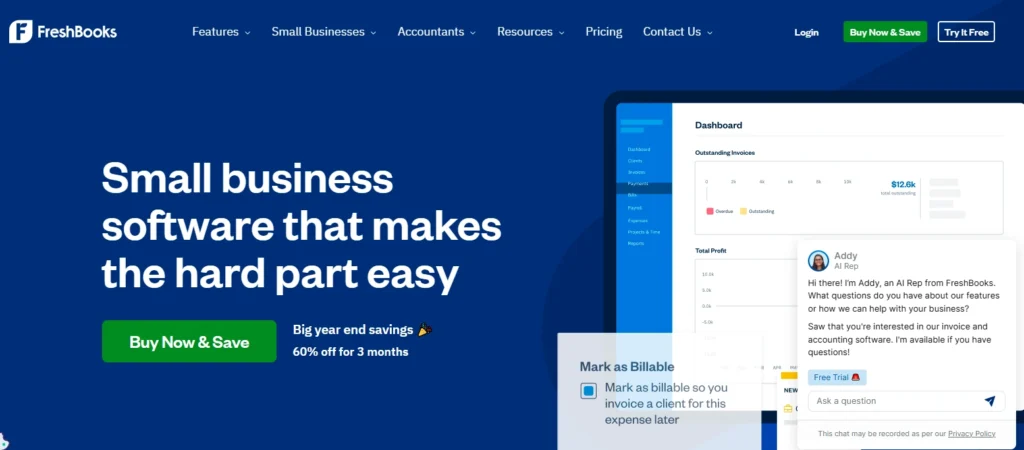
FreshBooks focuses on simplicity and invoicing rather than complex accounting.
What you actually get:
- Smart invoicing
- Automatic expense categorization
- Late-payment prediction
- Automated reminders
Pricing (2025):
Starts around $19/month, increasing with client volume.
Best for:
Freelancers, consultants, and agencies.
4. Zoho Books – Best AI automation value
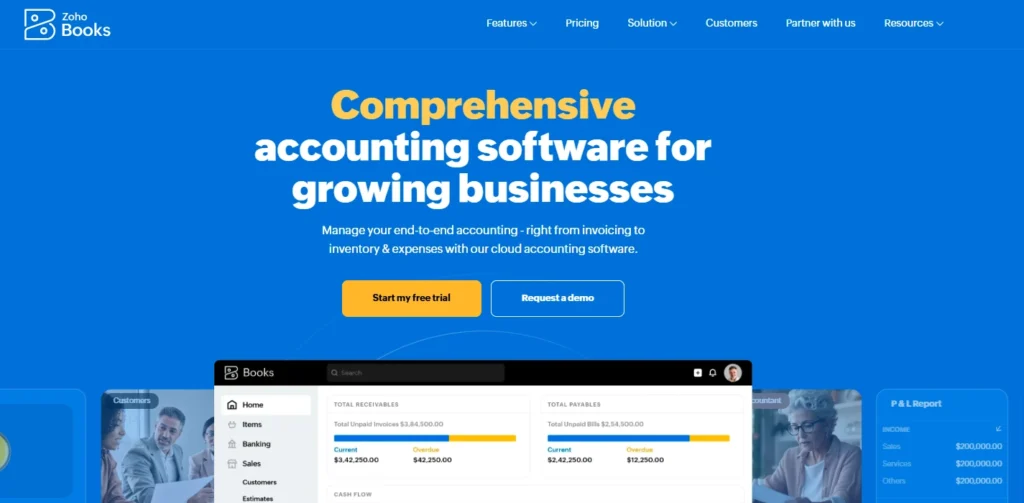
Zoho Books quietly delivers strong AI through its assistant, Zia, especially for businesses already using Zoho tools.
What you actually get:
- AI-generated financial insights
- Expense classification
- Compliance and tax suggestions
- Trend and cash-flow forecasting
Pricing (2025):
Starts around $15/month, with most plans under $70/month.
Best for:
SMBs that want automation without high costs.
5. NetSuite – Best enterprise AI accounting software
NetSuite is built for scale and complexity, not simplicity.
What you actually get:
- Predictive financial analytics
- Automated revenue recognition
- Risk and anomaly detection
- Advanced forecasting
Pricing (2025):
Custom enterprise pricing, often thousands per year plus implementation costs.
Best for:
Mid-market and enterprise companies with complex operations.
6. Wave Accounting – Best free AI accounting option
Wave proves that basic AI accounting doesn’t have to be expensive.
What you actually get:
- AI receipt scanning
- Expense categorization
- Simple financial summaries
Pricing (2025):
Core accounting is free. Paid add-ons include payroll and payments.
Best for:
Freelancers and micro-businesses starting out.
How to choose the right AI accounting software
Before deciding, ask yourself:
- How complex is your business today and in 2 years?
- Do you need deep automation or simple assistance?
- Will your accountant work with this tool?
- How much are add-ons going to cost long-term?
If you’re small, simplicity matters more than power.
If you’re growing, automation matters more than price.
Also Read: Top 7 AI-Powered HR Tools in Aussie Workplaces
Final takeaway
AI accounting software in 2025 is about efficiency, clarity, and control, not replacing humans.
If you want the safest all-round choice, QuickBooks leads.
If you’re in Australia, Xero is a strong alternative.
If you bill clients, FreshBooks keeps things simple.
If you want automation value, Zoho Books delivers quietly.
If you run large operations, NetSuite is built for scale.
If the budget is tight, Wave is a practical start.
FAQs
Does AI accounting software work well from day one?
Not fully. AI accounting tools improve accuracy over time as they learn from your transactions. Expect small corrections early on and smoother automation after regular use.
What accounting tasks does AI actually automate?
AI commonly automates expense categorization, bank reconciliation, invoice matching, payment reminders, and cash-flow predictions. Strategic decisions still remain manual.
Will AI accounting reduce bookkeeping costs?
Yes, in most cases. Businesses usually spend fewer hours on manual bookkeeping once automation stabilizes, which lowers ongoing accounting effort and costs.
How much human involvement is still required?
You still review reports, approve transactions, and handle compliance decisions. AI reduces repetitive work but does not remove oversight.
Can AI accounting software make mistakes?
Yes. Misclassification can happen, especially early on or with unusual transactions. The advantage is that corrections help the system improve future accuracy.
Is AI accounting suitable for non-technical users?
Yes. Most modern tools are designed for business owners, not accountants. If you can use basic accounting software, AI features run quietly in the background.
How does AI help with cash-flow management?
AI analyzes historical income and expenses to predict future cash-flow trends and flag potential shortfalls before they become problems.
Do AI accounting tools replace spreadsheets completely?
For daily accounting tasks, yes. However, some businesses still export data to spreadsheets for custom analysis or reporting.
Is AI accounting software useful if my business is small?
Yes. Small businesses often benefit the most because automation saves time when you don’t have a dedicated finance team.
What happens if AI categorizes something incorrectly?
You can manually correct it. Most tools remember your corrections and apply them automatically in similar cases later.
Can AI accounting software handle multiple currencies?
Many platforms support multi-currency transactions, but advanced automation may depend on the pricing tier you choose.
Does AI accounting work offline?
No. Most AI accounting software is cloud-based and requires an internet connection to sync data and run automation.
How long before AI accounting starts saving time?
Most users notice time savings within the first month, with larger efficiency gains after two to three months of regular use.
Is switching to AI accounting software risky?
Switching requires careful data migration, but most platforms offer guided imports. Risk is low if migration is planned properly.
Will AI accounting software still matter in the future?
Yes. Automation is becoming a standard expectation, not a premium feature. AI accounting is likely to expand rather than disappear.
Similar Posts
The Ultimate Guide to Homeschooling Tips for Working Parents
What to Do If You Drop Your Phone in Water?
Maximizing Your Impact: Strategies for Effective Business Marketing on Social Media