
POS Systems Explained: Types, Features, Costs & How They Work (2025 Guide)
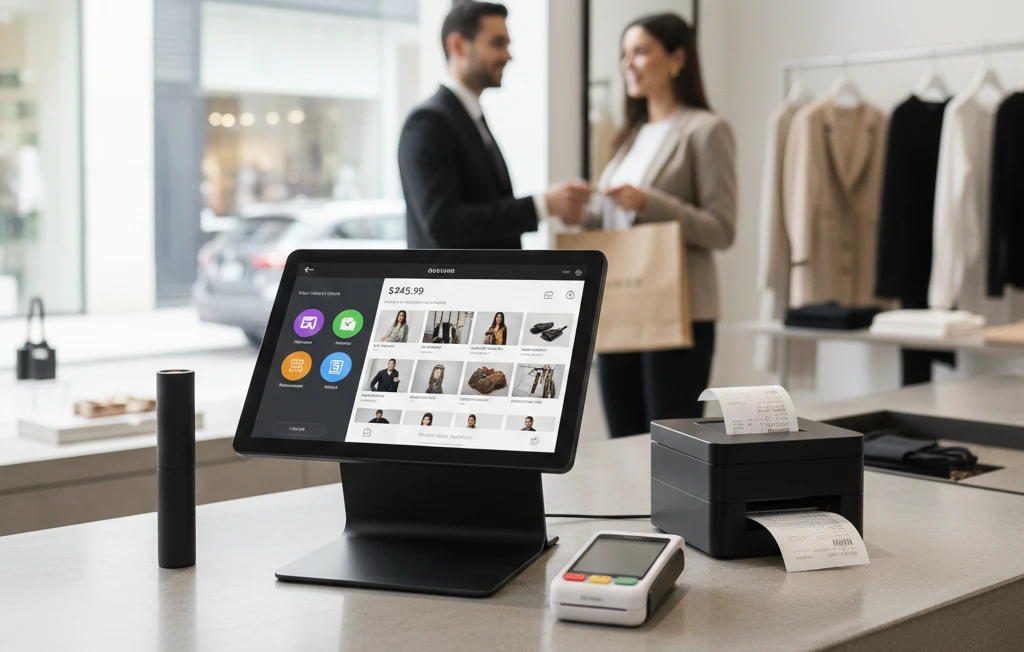
More than 78% of retailers now rely on a POS system to run daily operations. A POS system is the tool a business uses to record sales, accept payments, and manage tasks from one place. In 2025, modern POS systems are cloud-based, fast, and easy to use, helping shops, cafés, and salons work smarter with real-time data.
What Is a POS System? (Simple Definition)
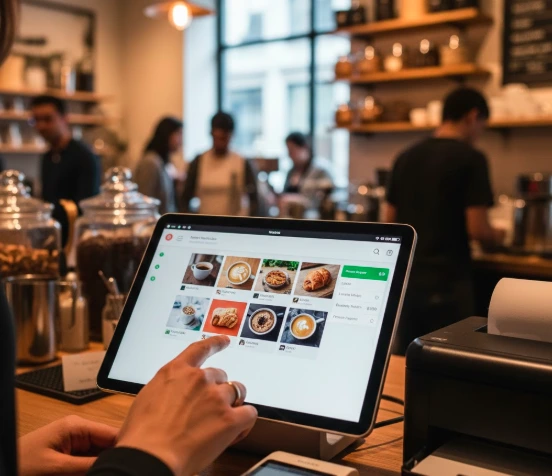
A POS system is the technology a business uses to process sales, accept payments, track inventory, and manage operations. Think of it as the digital hub where every sale begins and every business decision becomes clearer.
A POS system includes:
- POS software
- Touchscreen terminal or tablet
- Payment terminal
- Barcode scanner
- Receipt printer
- Inventory & analytics dashboard
Businesses use POS systems to improve speed, accuracy, customer experience, and overall efficiency.
How Does a POS System Work?
A POS system follows a standard workflow:
1. Product is added or scanned
The POS fetches item details, pricing, discounts, and taxes.
2. Customer chooses a payment method
Card, cash, tap-and-pay, QR, eWallet, or invoice.
3. Payment is processed & verified
The POS communicates with the payment gateway.
4. Receipt is generated
Email, SMS, or printed.
5. Inventory updates instantly
Stock levels drop automatically.
6. Sales data syncs to the cloud
You can view reports anytime on any device.
From a simple coffee purchase to complex multi-branch operations, the process stays the same.
Components of a POS System (Hardware + Software)
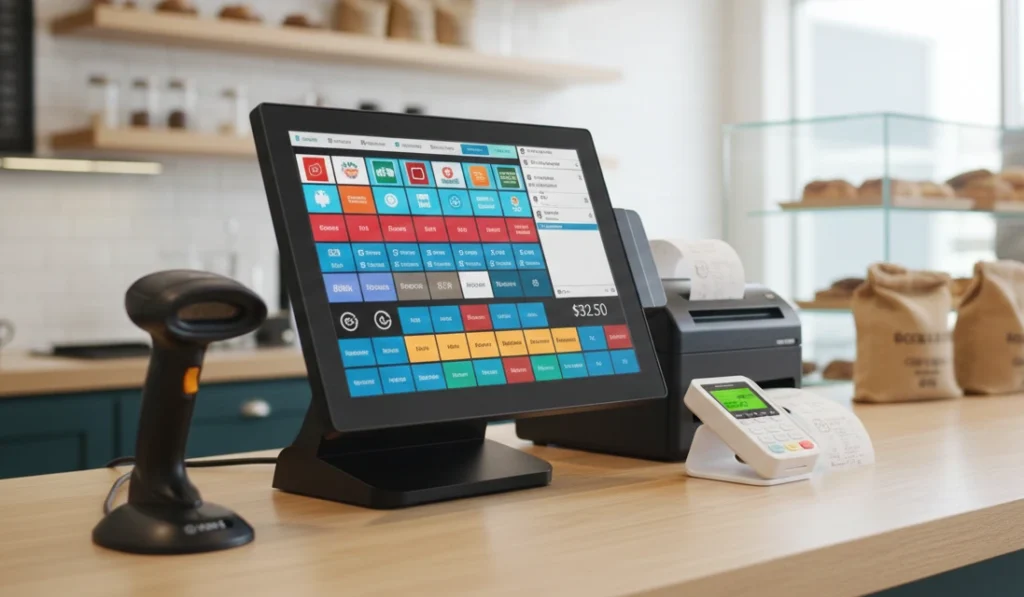
POS Hardware Includes:
- Touchscreen terminal or tablet
- Card reader/payment terminal
- Barcode scanner (retail/grocery)
- Cash drawer
- Receipt printer
- Router / Wi-Fi setup
POS Software Includes:
- Sales interface
- Inventory management
- Customer profiles (CRM)
- Loyalty program
- Booking or menu management
- Employee timesheets
- Real-time reporting
- Cloud sync
- Integrations (Xero, QuickBooks, Shopify, etc.)
Cloud-based POS software is now the dominant choice for most Australian businesses.
Types of POS Systems in 2025
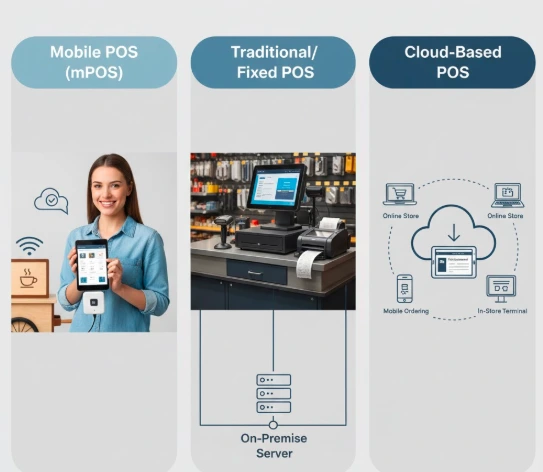
1. Traditional (On-Premise) POS Systems
Installed on local computers; used by large restaurants and supermarkets.
Pros: Fast, stable, powerful
Cons: Expensive, limited remote access
2. Cloud POS Systems
Web-based POS accessed through a dashboard, app, or browser.
Pros: Affordable, remote access, automatic updates
Cons: Requires a stable internet
This is the most widely used POS type in 2025.
3. Mobile POS Systems (mPOS)
Runs on smartphones or tablets; ideal for pop-ups & cafés.
Pros: Low cost, portable
Cons: Limited advanced features
4. Tablet POS Systems
iPad or Android POS for retail, salons, and hospitality.
Pros: Easy to use, flexible
Cons: Some hardware limitations
5. Self-Checkout POS Systems
Customer-operated machines for retail and grocery.
Pros: Faster service, reduced labour
Cons: High upfront cost
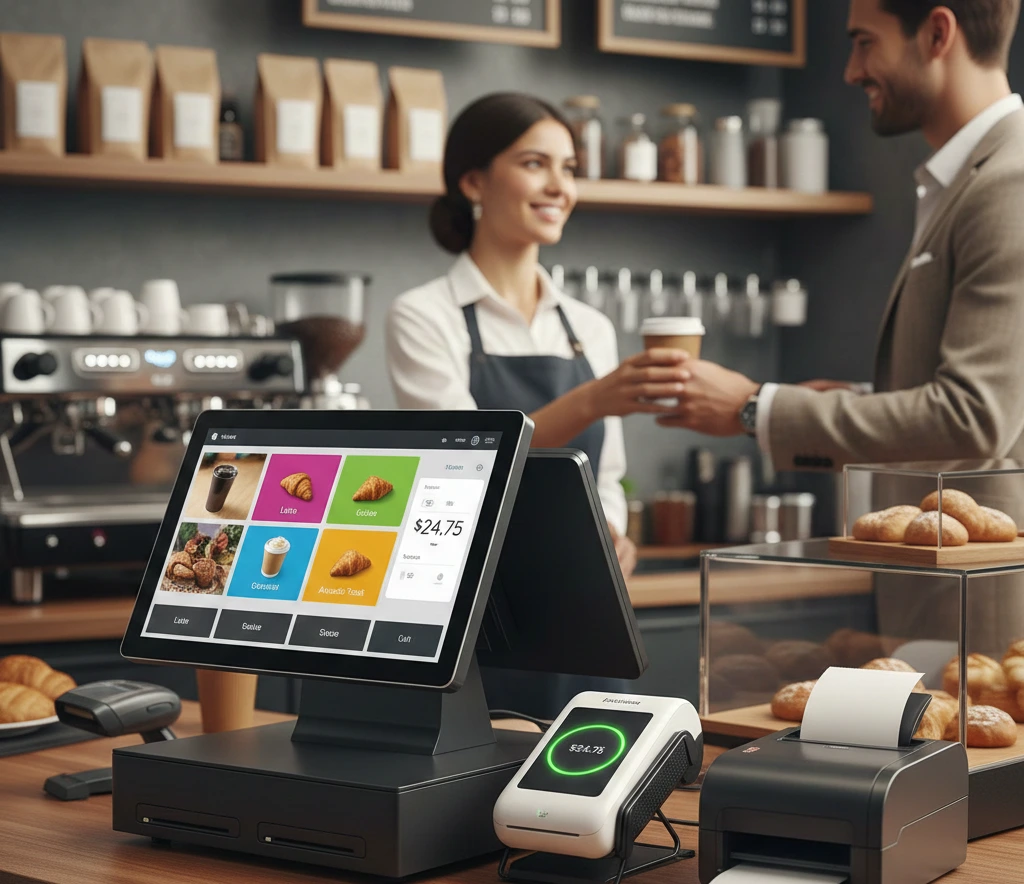
Must-Have POS System Features (2025 Standards)
✓ Inventory Management
Auto-updates stock, sets low-stock alerts, and manages suppliers.
✓ Customer Management (CRM)
Stores’ purchase history, preferences, loyalty points.
✓ Reporting & Analytics
Sales reports, category insights, staff performance.
✓ Payment Processing
Chip, tap-and-pay, QR, mobile wallets, online payments.
✓ Loyalty Programs
Digital rewards, gift cards, membership pricing.
✓ Employee Management
Shift scheduling, permissions, and time clock.
✓ Multi-Location Management
Branch-level dashboards, centralized stock.
✓ Integrations
Xero, MYOB, QuickBooks, Shopify, WooCommerce.
Benefits of Using a POS System
For Businesses
- Faster billing
- Real-time stock accuracy
- Reduced errors
- Staff accountability
- Actionable business insights
- Seamless reporting
- Better customer experience
For Customers
- Faster checkout
- Digital receipts
- Multiple payment methods
- Reward programs
- Consistent service
POS System Costs in 2025 (Full Breakdown)
1. Hardware Costs
| Component | Cost Range |
| Touchscreen Terminal | $400 – $1,200 |
| iPad / Tablet | $350 – $1,000 |
| Barcode Scanner | $80 – $250 |
| Receipt Printer | $150 – $350 |
| Cash Drawer | $90 – $200 |
| Card Reader | $40 – $150 |
2. Software Costs
| Plan Type | Monthly Price |
| Basic POS Plan | $29 – $49/month |
| Standard Plan | $69 – $99/month |
| Advanced Plan | $129 – $199/month |
3. Payment Fees
1.6% – 2.6% per transaction (depending on provider)
4. Add-On Modules
| Feature | Cost |
| Loyalty Program | $20–$50 |
| Advanced Analytics | $30–$80 |
| Multi-Location | $40–$200 |
| Booking System | $20–$40 |
Cloud POS vs Traditional POS (Comparison Table)
| Feature | Cloud POS | Traditional POS |
| Setup Cost | Low | High |
| Access | Remote | On-Premise |
| Updates | Automatic | Manual |
| Hardware | Flexible | Fixed |
| Backup | Cloud | Local |
| Scalability | Easy | Limited |
| Best For | Small–Medium Businesses | Large Restaurants / Grocery |
Cloud POS systems are the preferred choice for most businesses in 2025.
How to Choose the Right POS System?
1. Identify your industry needs
Retail = strong inventory
Restaurants = menu & table management
Cafés = speed + mobile POS
Salons = booking + CRM
Pharmacies = batch & expiry tracking
2. Consider your business size
Solo → mobile POS
Small → cloud POS
Medium → cloud + terminals
Large → hybrid POS
3. Check integrations
Xero, QuickBooks, Shopify, MYOB, loyalty tools, and eCommerce.
4. Set a budget
Calculate:
- Hardware
- Software monthly fee
- Processing fees
- Add-ons
5. Ask about support
24/7 support, training, onboarding, and installation.
POS Systems by Industry (Quick Overview)
Restaurant POS Systems
Menu control, table mapping, and kitchen display systems.
Retail POS Systems
Barcode scanning, product variants, stock counts.
Grocery POS Systems
Scale integration, batch tracking, fast checkout.
Salon POS Systems
Client history, booking calendar, SMS reminders.
Bar POS Systems
Tabs, split billing, fast drink ordering.
Café POS Systems
Mobile POS + fast checkout workflows.
Pharmacy POS Systems
Expiry alerts, prescription data, and stock batching.
POS System Security & Compliance
Modern POS systems must maintain:
✓ PCI-DSS Compliance
Protects cardholder data.
✓ End-to-End Encryption
Secures payment data.
✓ Tokenization
Reduces risk of theft.
✓ Permission Controls
Employee access levels.
✓ Secure Cloud Backup
Prevents data loss.
✓ Fraud Monitoring
Flags suspicious activity.
Security is a critical factor when choosing your POS provider.
Future Trends in POS Systems (2025–2030)
POS systems are evolving rapidly. Expect:
1. AI-Powered Analytics
Predictive sales analysis, demand forecasting.
2. More Mobile-First POS
As smartphones replace traditional hardware.
3. Unified Commerce
POS + online store + inventory + CRM under one dashboard.
4. Self-Checkout Expansion
Even in small retail environments.
5. Tap-to-Pay on iPhone & Android
No external card reader needed.
6. Subscription-Based Hardware
POS hardware “as a service.”
Also Read: The Reason Age Verification Systems are Important Today
Final Thoughts
POS systems have become a core part of business technology. Whether you’re running a small café or a multi-branch retail chain, choosing the right POS system improves accuracy, speeds up checkout, controls stock, and gives you insights that help your business grow.
FAQs
1. What is a POS system?
A system used to process sales, manage payments, track inventory, and run operations.
2. What POS system should small businesses use?
Cloud POS systems like Square, Shopify, or Lightspeed.
3. What is the cheapest POS option?
Mobile POS systems with low hardware cost.
4. What is the difference between cloud POS and traditional POS?
Cloud POS works online with automatic updates; traditional POS is installed locally.
5. Can a POS system work offline?
Many systems offer offline mode, then sync when reconnected.
6. Do you need inventory management in a POS?
Yes, for retail, grocery, pharmacies, and boutiques, it saves time and reduces losses.
7. Are POS systems secure?
Yes, if PCI-compliant and encrypted.
Similar Posts
The Complete Buyer Agent Hiring Guide on the Gold Coast
Is Unblocked Games 6x Worth the Hype? A Comprehensive Review
How People Are Using AI in Australian Healthcare For Better Understanding | Complete Details 2026